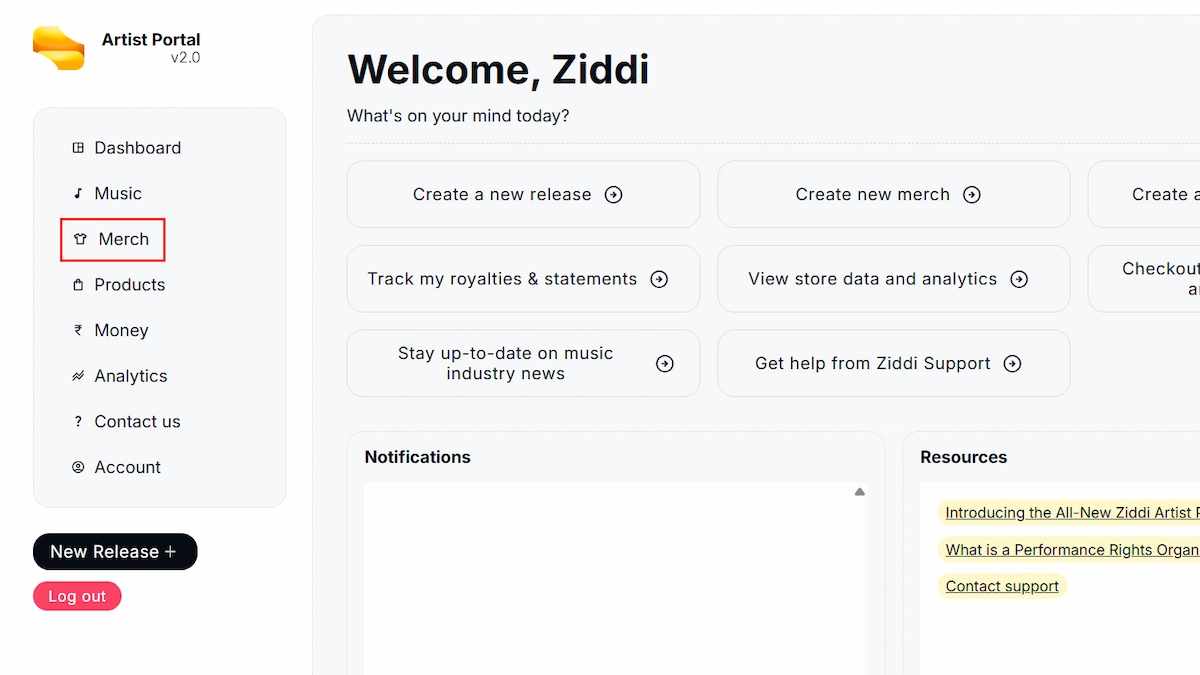
Step 1: Go to your dashboard and navigate to the Merch tab, or directly visit artists.stayziddi.com/merch.
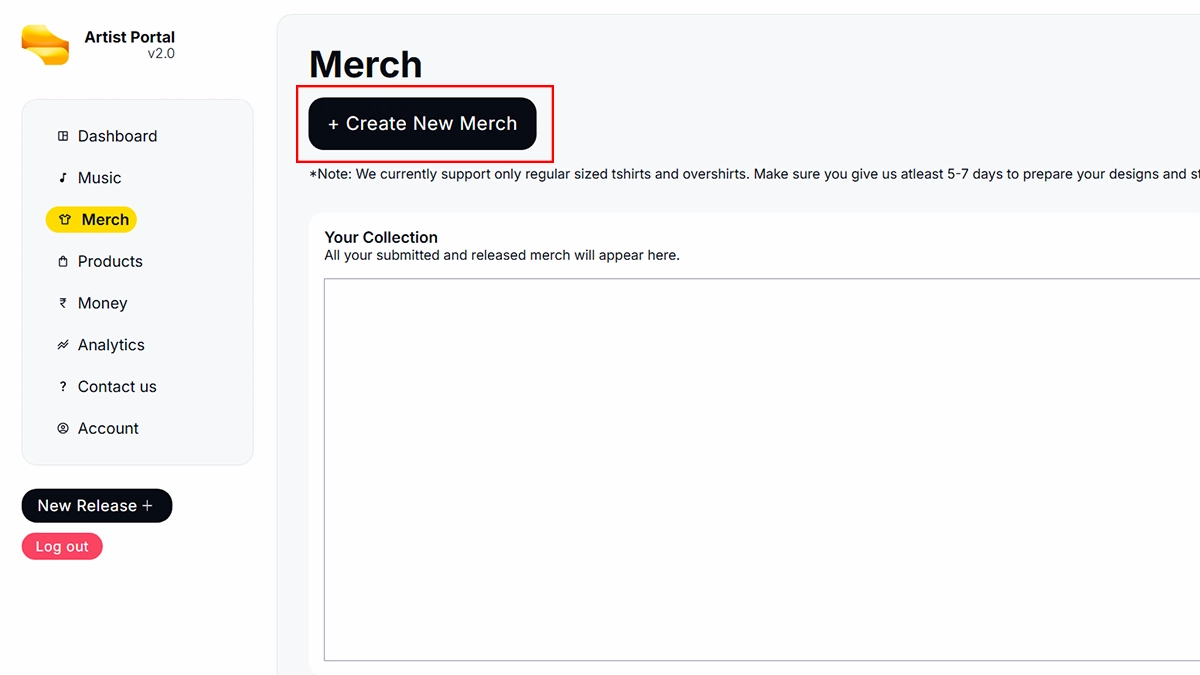
Step 2: Click on the “Create New Merch” button to start creating a new merchandise listing.
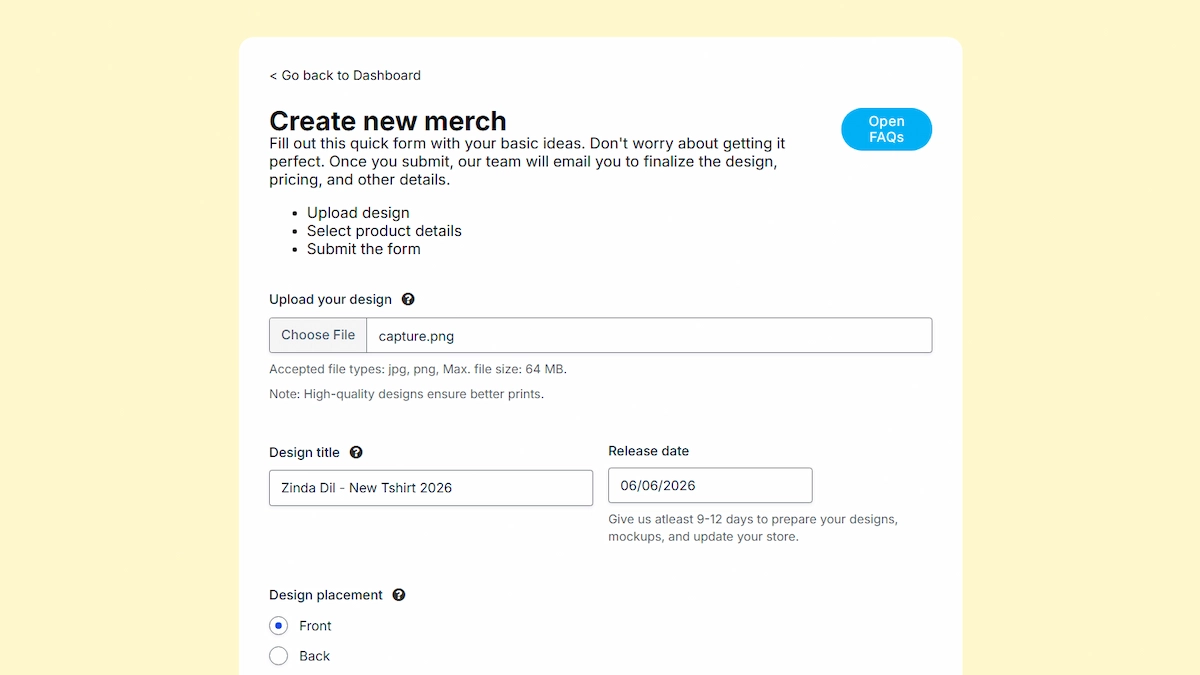
Step 3: Upload your design and fill in all the required details, including the merch name, description, pricing, and any other necessary information.
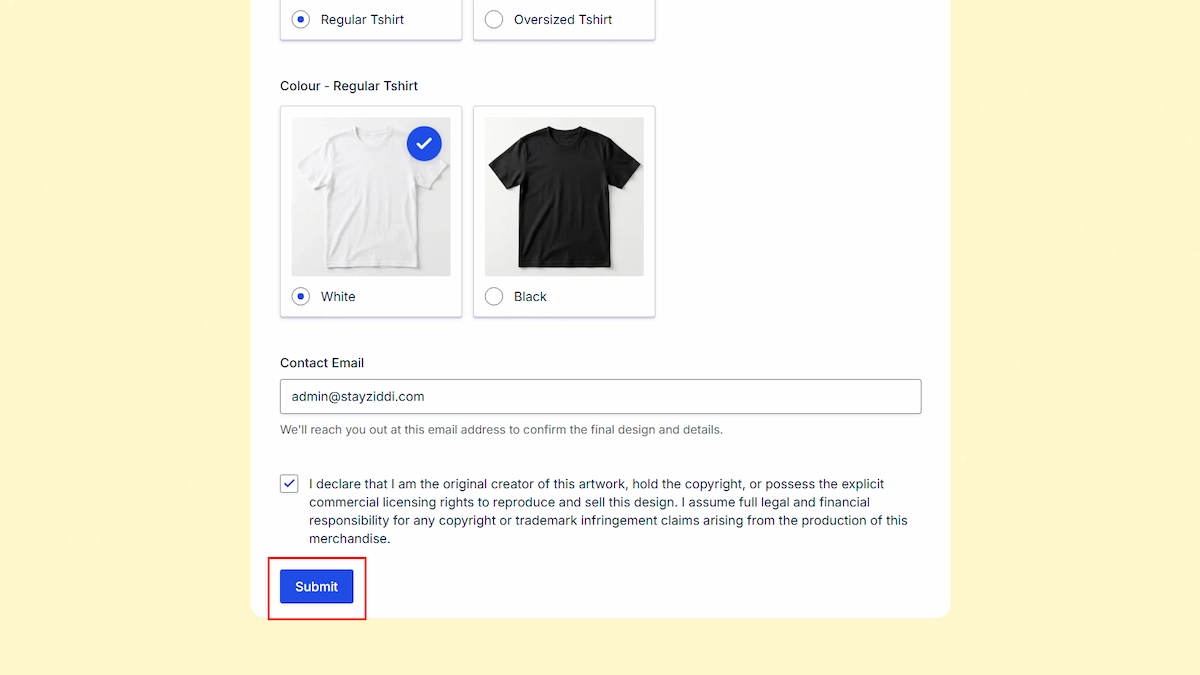
Step 4: Before submitting, make sure to review your details carefully and check the copyright declaration checkbox. Once everything is complete, click the “Submit” button to publish your merch request.